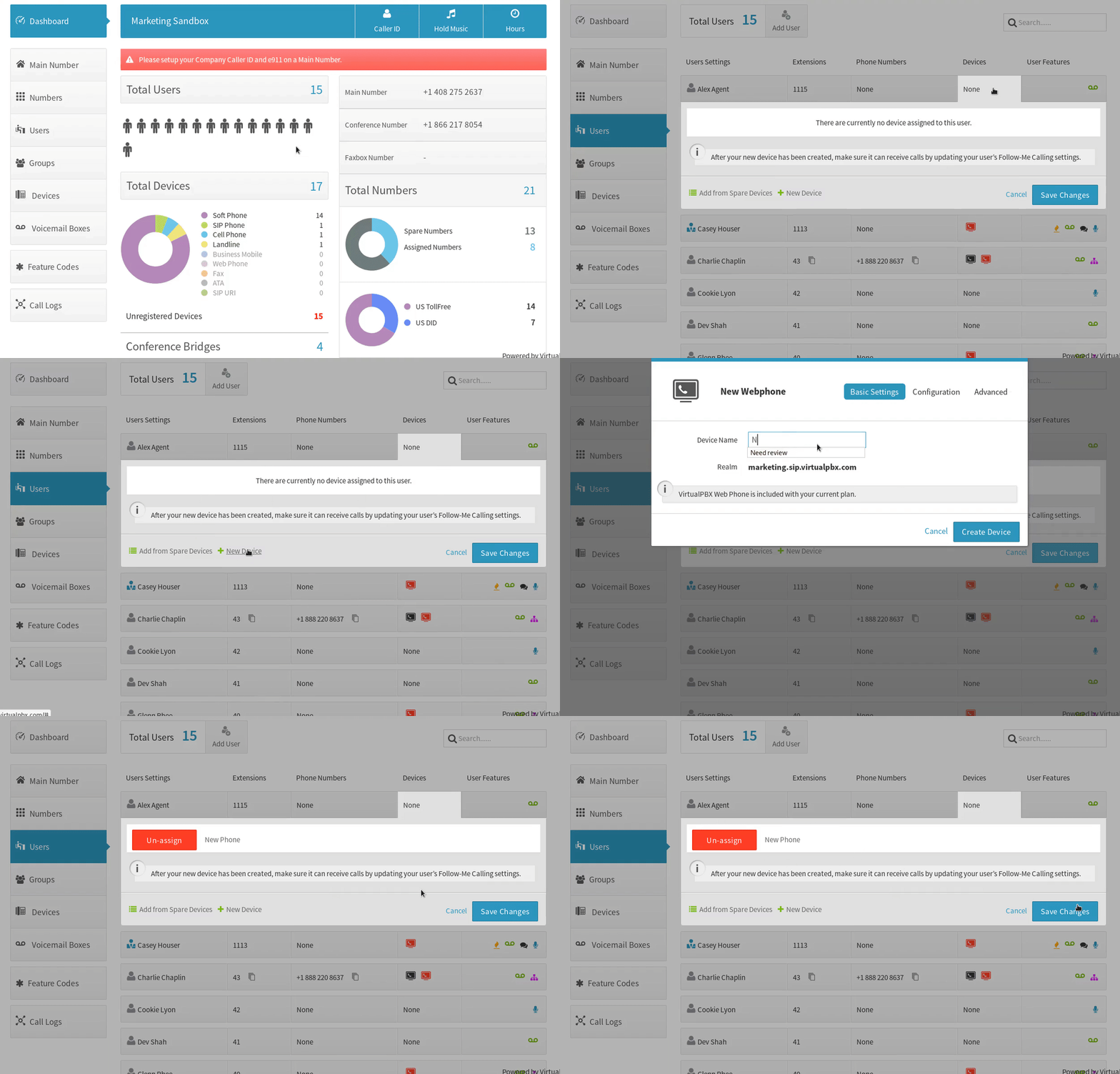
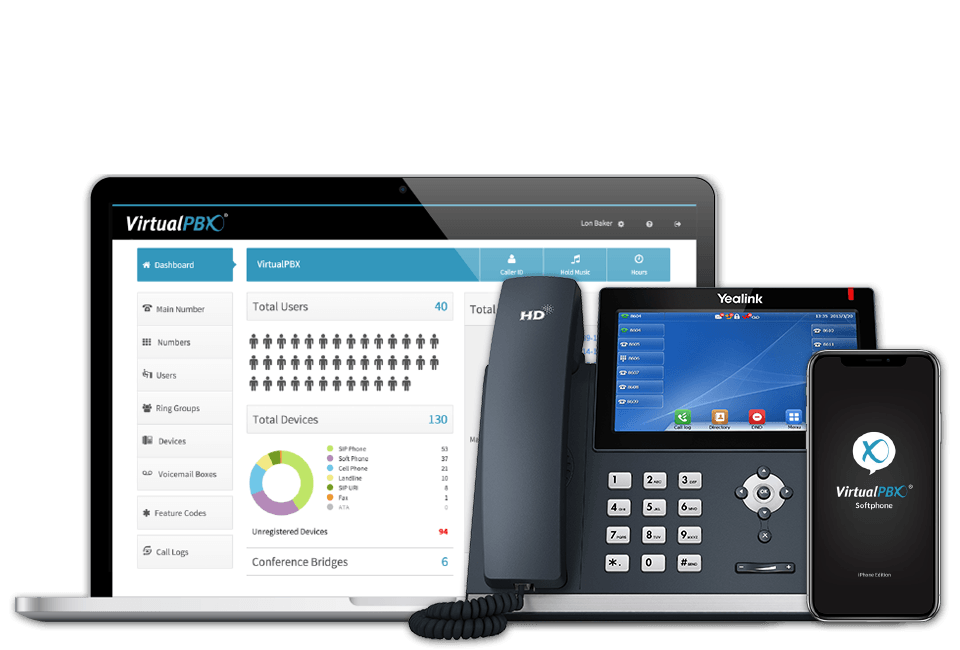
With VirtualPBX Device Manager, connecting your favorite tools is effortless. Conference phones, desk phones, cordless phones, mobiles, tablets, even computers—all managed in one dashboard. Updates happen in real time, so anyone can add or switch devices without filing an IT ticket. If Gary wants to connect a new phone, he just does it—no waiting, no hassle.
Upgrading desk phones? Adding new apps? No problem. Admins can assign devices or update settings directly from a user’s profile, no extra steps required. Unused devices don’t get lost in the shuffle either; the Device Manager displays every eligible option alongside user info, with the active device highlighted in green. Switching devices is simple, whether you toggle manually or let them roll automatically in the order they were added. Here’s what you can connect in the Device Manager:
Capture more leads, respond 24/7 with AI agents, and manage every message in one shared inbox. After your trial, you will be converted to our $99/mo VirtualText Chat Plan.
Test Us
Ask us anything.
We’ll answer, brainstorm, or just give you a number you can run with. If we don’t know the answer, we’ll find it. Zero pressure. No judgement. Just help.