Your VirtualPBX Login By Application

For all your needs, find every app, download, and VirtualPBX login here—all in one place. 

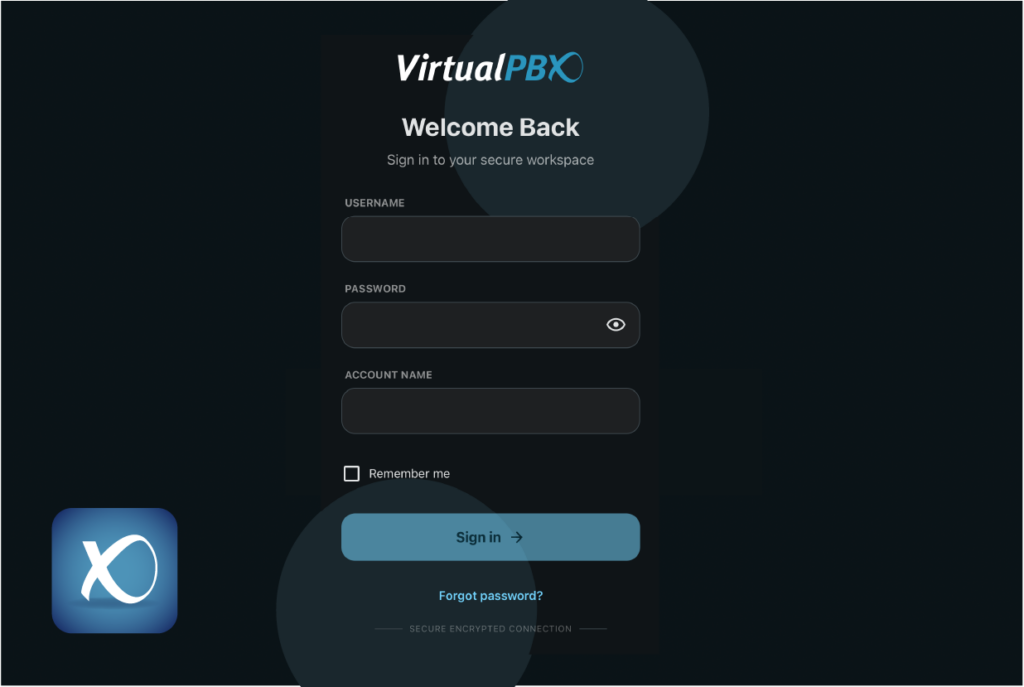
VirtualPBX Business Phone Dash pbx login

LOGIN

Desktop Icon

Dash By VirtualPBX

Dash by VirtualPBX is your central hub to manage calls, faxes, voicemails, devices, and more—all in one place.

MOBILE APP

Tablet icon
Mobile icon

VirtualPBX Phone

Download the free VirtualPBX app and turn any device into a fully featured business phone.

DESKTOP APP

Desktop Icon

VirtualPBX Phone

Download the free VirtualPBX app and turn your computer into a fully featured business phone.

VirtualPBX Business Phone Web Phone browser pbx portal login

LOGIN

Desktop Icon

VirtualPBX Web Phone

Call from any browser with the VirtualPBX Web Phone. Access settings, check voicemail, and more.

VirtualText Desktop Login

LOGIN

Desktop Icon
Tablet icon
Mobile icon

Legacy VirtualText

Message your leads, customers, and candidates in the simplest way with the legacy version of VirtualText.

VirtualText Mobile App

DOWNLOAD

Tablet icon
Mobile icon

Legacy VirtualText App

Every feature in this powerful tool is also available right from your mobile device. Get the legacy version of the VirtualText app.

Looking for the new VirtualText 1.0 login? Your setup is private and uniquely created for your company. Check your confirmation email for the access link. 

For All Your Billing Management

We’re currently rolling out a new, centralized account management portal for all VirtualPBX customers. If you’ve already received your invite, just click below. Haven’t received it yet? Reach out to our team and end the wait!

Do I need A Softphone or A Web Phone?

Softphones

A softphone, like our VirtualPBX Phone for mobile and desktop, is an app you install on your device to make VoIP calls over the internet. It works on iOS and Android and requires installation from the app store along with a VirtualPBX login. Installing the app gives you reliable call quality, full access to business phone features, and customizable settings.

Web Phones

A web phone runs in your browser with no installation required. Just log in with your VirtualPBX account and start calling from any supported browser. It’s fast to set up, always secure, and automatically updated, though it offers fewer customization options and may be less reliable on weak connections. You can also download this as a PWA to run it on your desktop.

The reputation and reviews to let you know we don’t ask for your trust, we earn it.

We're here to help

Answers to your questions are a click or call away. Talk with a specialist, chat with us, or call/text (888) 825-0800.

Not a VirtualPBX customer? Want to be? Take us for a spin. 

core chat platform

AI + Automation

privacy + Security

Setup + Support

core chat platform

AI + Automation

privacy + Security

Setup + Support

core chat platform

AI + Automation

privacy + Security

Setup + Support