
We are thrilled to officially announce the launch of our all-new VirtualPBX mobile softphone app for iPhone and Android!
This isn’t just a minor update—it is a complete, ground-up rebuild of our mobile experience designed specifically for modern, hybrid teams. The new VirtualPBX Mobile App delivers a faster, sleeker, and more unified way to make and receive business calls from your mobile devices using your VirtualPBX business number—all while keeping your personal cell phone number completely private.
Out With the Old, In With the New: How to Switch
Transitioning to the new app is incredibly simple. To ensure a seamless upgrade and prevent any duplicate notifications or audio conflicts, please follow these three quick steps to swap the old app out and get the new one running:
Step 1: Download the New VirtualPBX Mobile App
Get the all-new VirtualPBX Mobile App directly on your mobile device using the updated download buttons below.


Step 2: Log In Instantly with Single Sign-On (SSO)
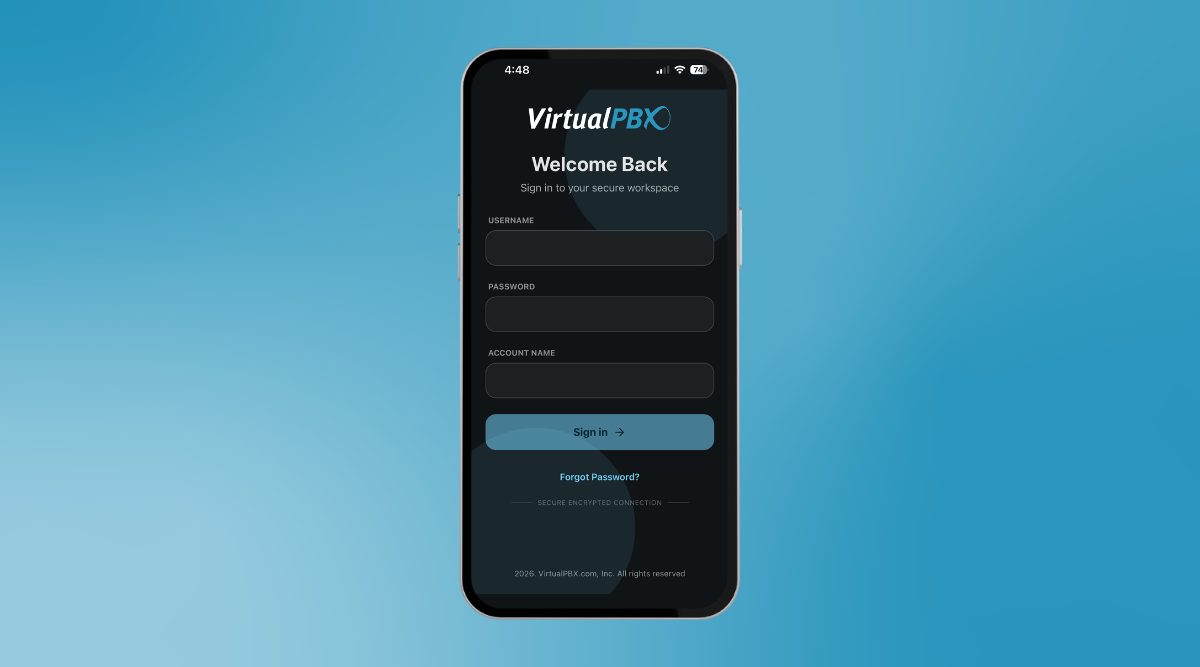
Open the new VirtualPBX Mobile App and log in securely using your existing VirtualPBX username and password. Because we now support Single Sign-On, you no longer have to manage or configure complex SIP credentials.
Step 3: Uninstall Your Old Softphone App
Once you have successfully logged into the new app, uninstall and delete the old VirtualPBX softphone app from your device. Keeping both apps installed simultaneously can cause conflicting ring alerts, so a quick cleanup guarantees the best performance!
What Makes the New VirtualPBX Mobile App a Game-Changer?
The new VirtualPBX Mobile App is engineered specifically to utilize the native frameworks of both major mobile platforms, making the app feel like a natural extension of your phone rather than a separate tool.
Built For iPhone And Android
- Native Call Experience: On iPhone, CallKit integration allows incoming VirtualPBX business calls to appear directly on your native calling screen, creating a seamless feel from the very first ring.
Network Handoff: Keep talking without interruption. The app automatically transitions your active calls between Wi-Fi and mobile data as your connection conditions shift.
Light and Dark Mode: The VirtualPBX Mobile App automatically matches your device’s display settings, helping you protect your eyes and save battery life.
Business Call Management That Works Anywhere
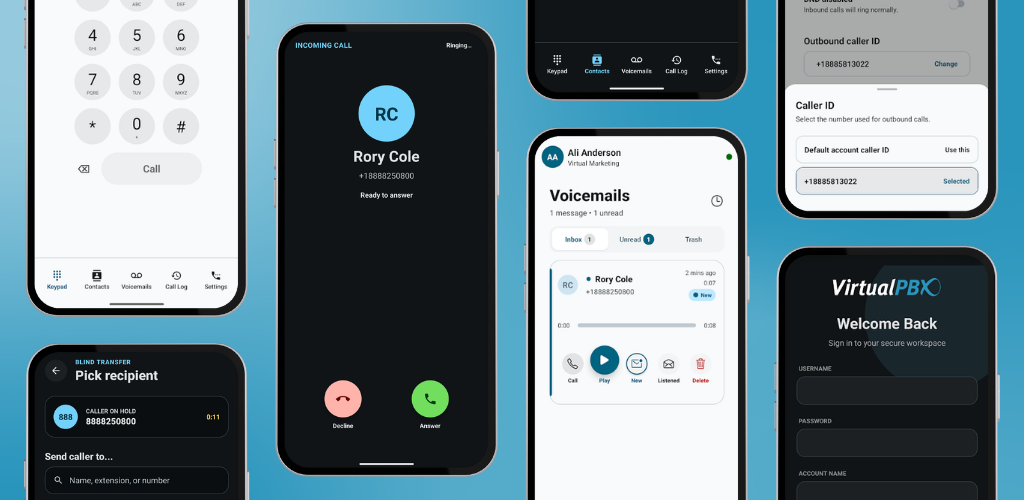
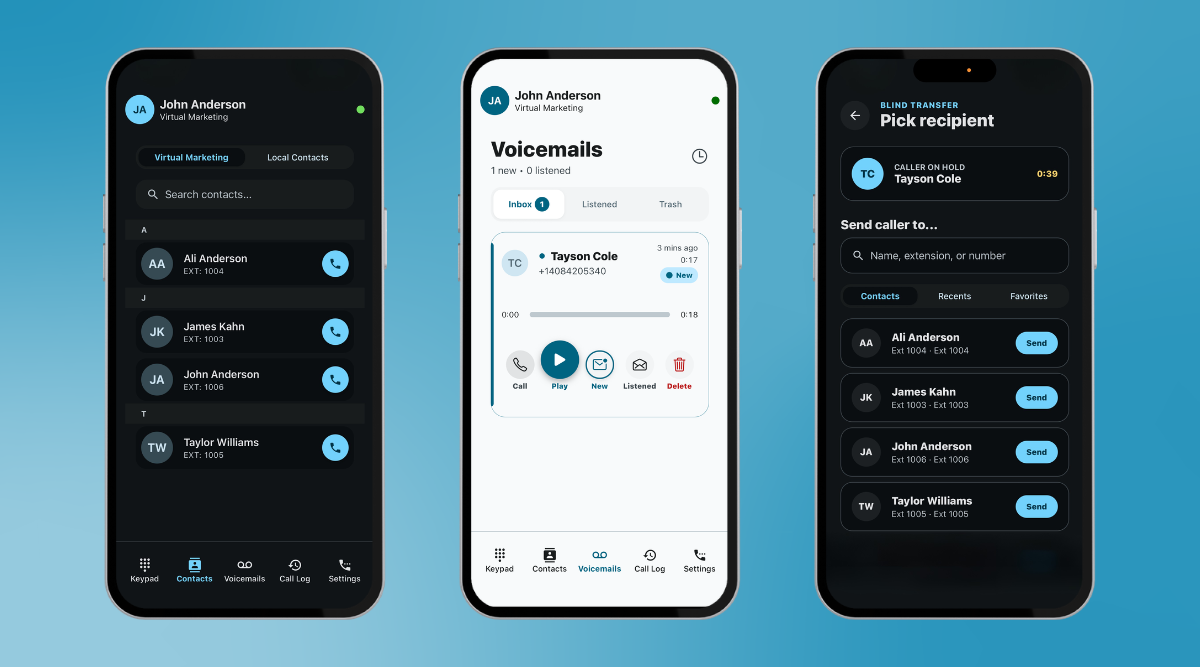
- Contact Syncing: Easily switch between company directory contacts and local phone contacts.
Visual Voicemail: View, play, manage, and delete voicemail messages directly inside the app.
Call Transfers: Instantly route active calls to another team member with a single action.
International Calling: Stay connected and professional while traveling or working across borders.
Protect Your Business Identity
Keep your personal number private and your brand identity entirely consistent:
Dynamic Outbound Caller ID: Admin users can choose exactly which VirtualPBX business number appears on outbound calls.
Do Not Disturb (DND): Easily toggle your DND status to pause business calls when you need focus or personal time away.
Unified Calling Across Devices
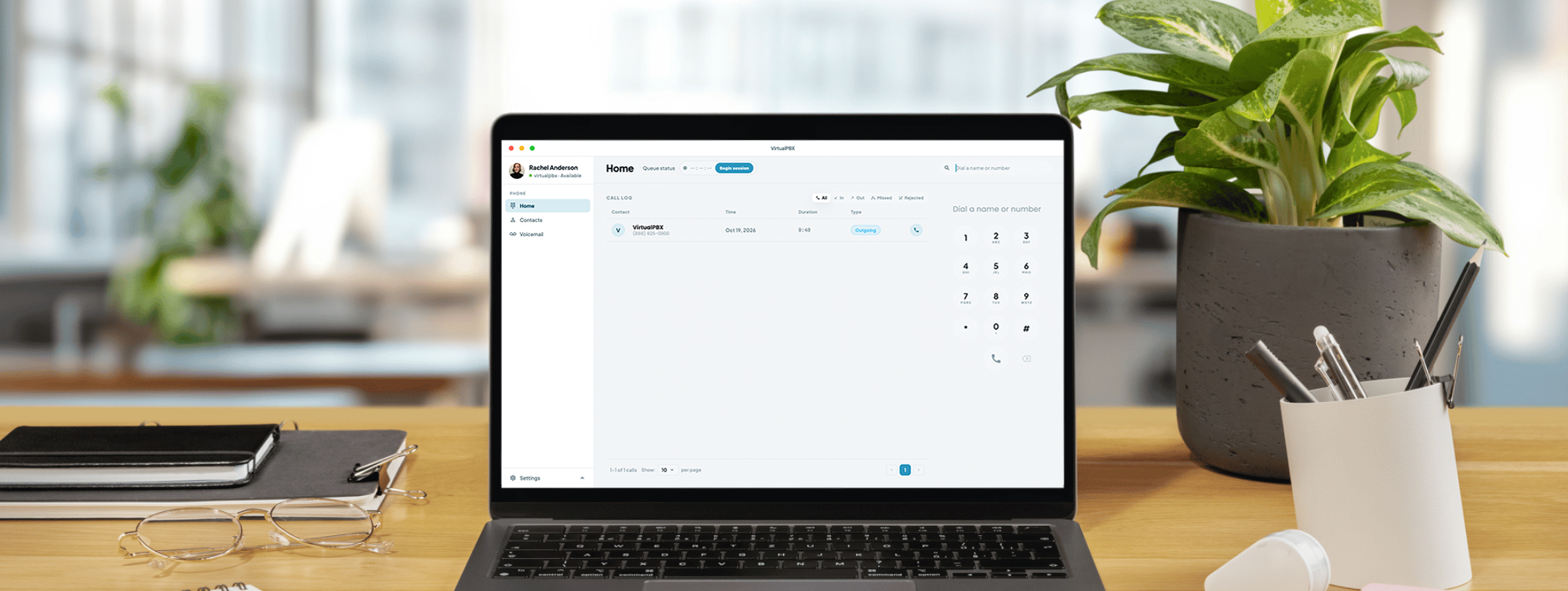
The VirtualPBX Mobile App works alongside the VirtualPBX Web Phone to create a beautifully consistent calling experience. Move between desktop and mobile without changing how you work—reducing training time and keeping your team focused entirely on customer success.
Why This VirtualPBX Mobile App Release Matters
The new VirtualPBX mobile app represents a massive step forward in mobile business calling. For existing customers, it is a significant, free upgrade to your daily operations. For teams looking for a new, reliable business phone solution, it is a standout reason to choose a platform that treats mobile communication as a core priority.
The new VirtualPBX mobile app is available on a single, no-contract $15/user/month plan. Please note that an active VirtualPBX account is required for calling features.
Take your business number anywhere your workday goes! Download the new app today to get started or visit our Mobile Softphone User Guide for additional details.