
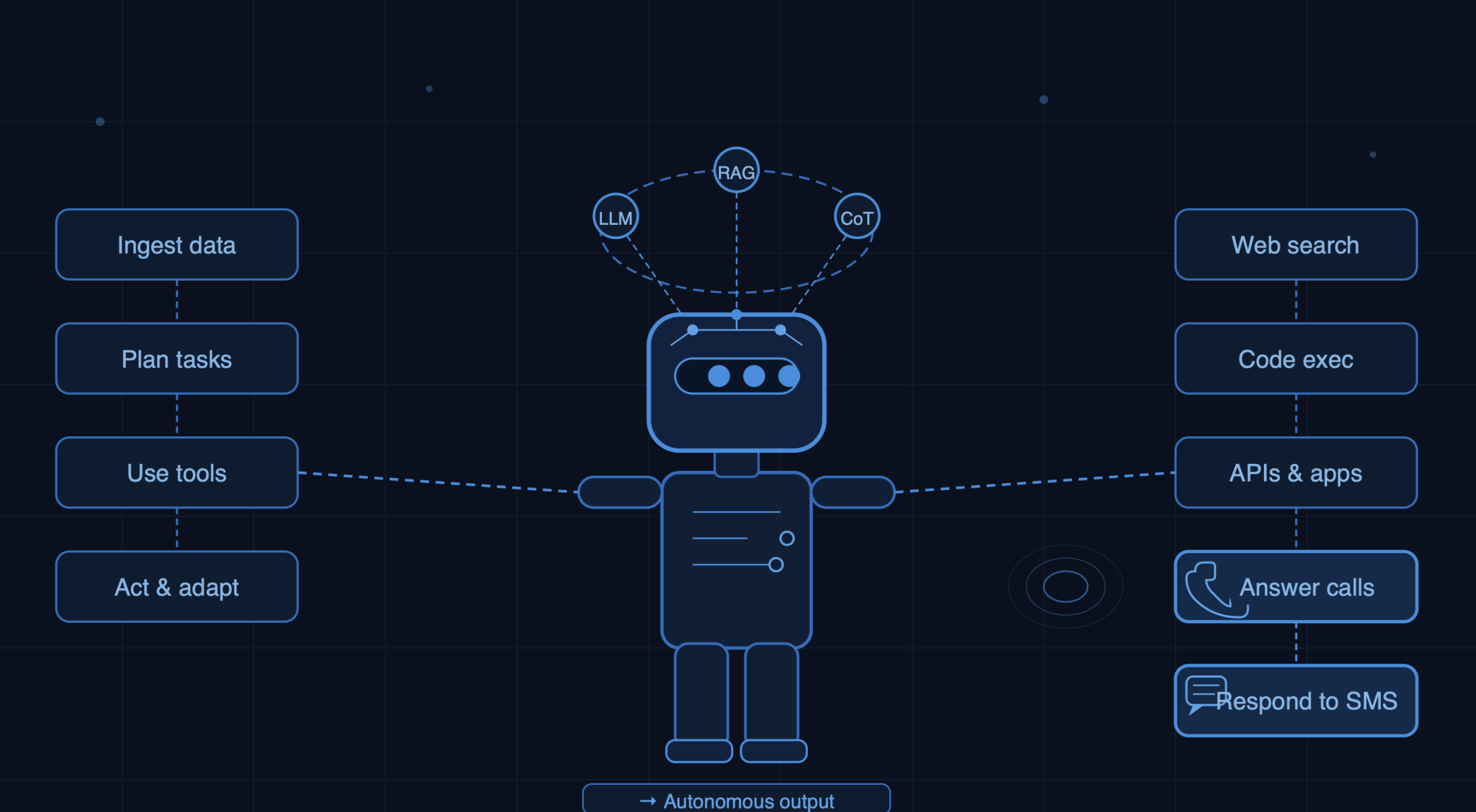
If you don’t know the difference between an AI search engine and an AI agent platform, you are not alone. It wasn’t long ago that we were just getting used to tools like ChatGPT and Gemini. The easiest way to think about an “AI agent” is as a digital helper that doesn’t just find answers, but actually executes tasks for you. It functions essentially like an AI employee or a dedicated AI voice agent who can answer calls or set up a meeting.
Traditional AI search engines are great for finding and summarizing information, but autonomous systems take direct action for you. I recently put 10 leading AI agent platforms to the test myself, using them in real life scenarios. Here is my simple breakdown of what actually worked well and felt like a true extra pair of hands for business.
AI Agent Platform Comparison Table
This quick cheat sheet breaks down what each tool does best, its standout features, and what it actually costs so you can spot the right AI helper for your team at a glance.
|
Platform
|
Best For
|
Pricing
|
Key Features
|
|---|---|---|---|
|
VirtualPBX |
AI voice agent answering & scheduling |
$15/user/month |
24/7 inbound call handling; |
|
ChatGPT Operator |
Browser-driven web tasks |
$25/month |
Screen control; |
|
Claude Code |
Terminal-native software engineering |
Free in beta / Usage-based API keys |
Multi-file refactoring; |
|
Salesforce Agentforce |
Enterprise CRM automation |
$2.00/conversation |
Einstein Trust layer; |
|
HubSpot Breeze AI |
Automated inbound marketing |
$20/month |
Automated copywriting; |
|
Intercom Fin |
Support ticket deflection |
$49/month |
Internal help center crawling; |
|
VirtualText |
AI-driven SMS & live chat |
$99 (1000 SMS) |
Custom business playbooks; |
|
Relevance AI |
No-code multi-agent teams |
$29/month or |
Drag-and-drop workflow builder; |
|
Lindy.ai |
Basic SMB administrative tasks |
$49.99/month |
Natural language scripting; |
|
Microsoft Copilot Studio |
Enterprise data governance |
$200/month for 25k credits |
Azure/M365 security; |
What are Autonomous AI Agents and How Do They Work?
An autonomous AI agent is an advanced software platform powered by large language models (LLMs) that can independently perceive data, make logical decisions, utilize digital tools, and execute multi-step workflows to achieve a specific business objective without continuous human intervention.
Unlike traditional static software integrations, modern AI agent platforms operate through a continuous three-step loop:
Perception: The agent monitors and ingests data from its environment (such as an incoming live phone call, a website chat window, or an updated CRM record).
Reasoning: The system evaluates the information against its training, memory, and predefined company playbooks to map out a multi-step action plan.
Execution: The agent runs commands through software tools—like sending an SMS, modifying a database, or updating a calendar—to complete the job autonomously.
AI Agent for Personal Use vs. Business Use
While personal AI tools focus on individual task management (like summarizing a personal inbox or coordinating a travel itinerary), business-grade AI agent platforms require an entirely separate infrastructure. Enterprise setups must manage multi-user collaboration, enforce strict data privacy compliance (like GDPR or HIPAA), tap directly into central company CRMs, and operate within unyielding guardrails to protect customer relationships.
Core Features of Top-Tier AI Agent Platforms
Before choosing a solution for your SaaS stack, ensure it includes these non-negotiable architectural layers:
Persistent Context & Memory: The ability to retain customer data across separate sessions so the agent never loses track of business relationships.
Playbook Alignment: Structural guardrails that force the AI to follow approved corporate scripts, procedures, and logic flows.
Omnichannel Execution: The power to deploy the same intelligent reasoning across voice networks, live webchat, and SMS text streams.
Predictable Cost Structures: Selection of platforms that offer flat-rate pricing to eliminate unpredictable monthly cloud-computing bills.
The 10 Best AI Agent Platforms for 2026
VirtualPBX for AI voice agent answering & scheduling
ChatGPT Operator for browser-driven tasks
Claude Code for terminal-based software engineering
Salesforce Agentforce for enterprise CRM workflows
HubSpot Breeze AI for automated inbound marketing
Intercom Fin for customer support ticket resolution
VirtualText for AI-driven SMS & live chat
Relevance AI for visual, low-code multi-agent builds
Lindy.ai for basic SMB administrative tasks
Microsoft Copilot Studio for internal enterprise data governance
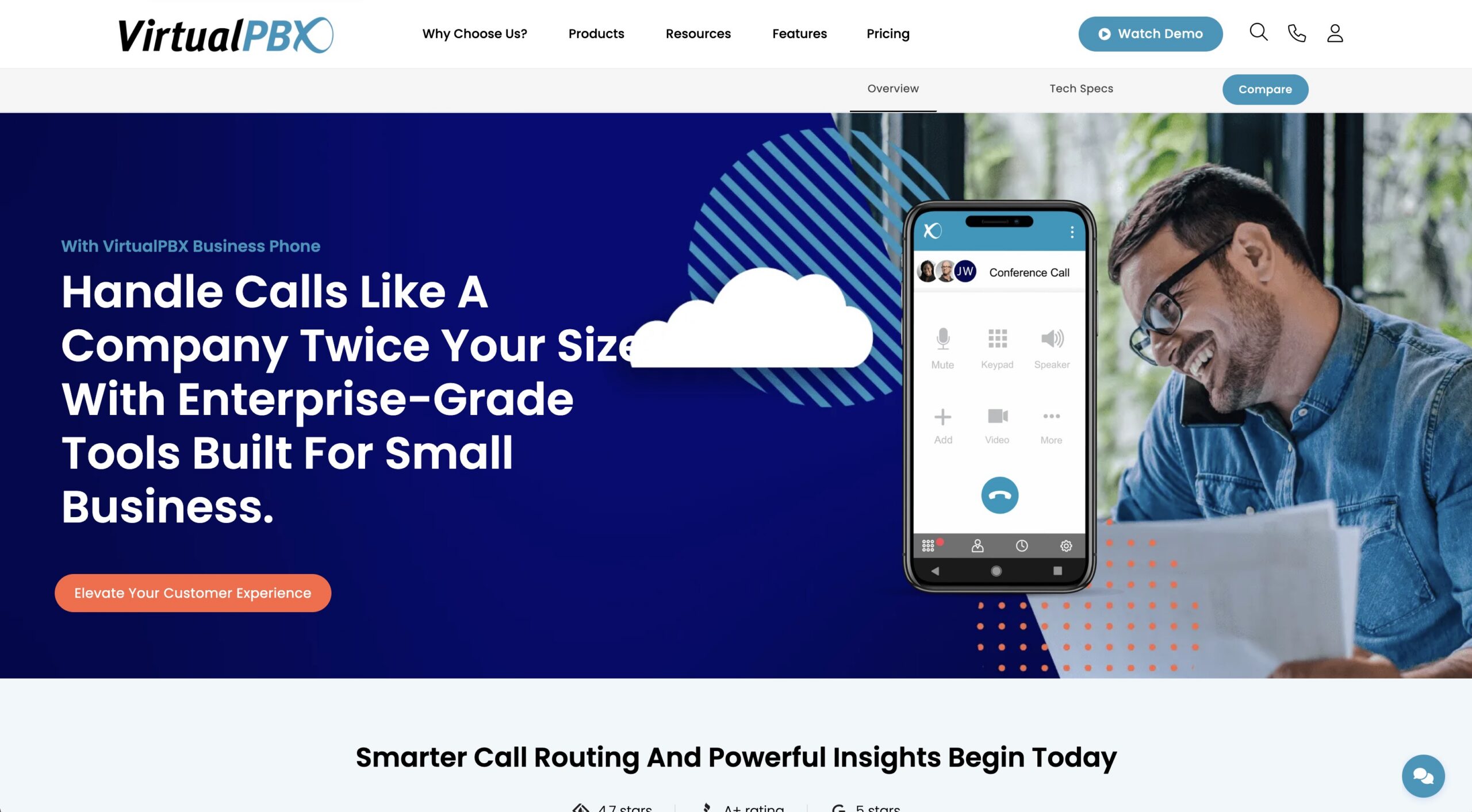
VirtualPBX disrupts the voice automation space by building its dedicated Front Desk AI voice agent directly into the business phone service. Instead of treating automated answering as a costly add-on, it includes this capability natively. It handles live calls, answers FAQs, and manages calendar scheduling seamlessly. The setup is incredibly straightforward, with the true standout being its absolute simplicity: one plan, one predictable price. It’s about as no-nonsense as you’ll find in the tech industry today.
In a world full of complicated VoIP offerings, VirtualPBX stands out by delivering strong value and excellent US-based support compared to its largest competitors.
Pros
-
Massive value packed into one simple, affordable price
-
Natively integrated with business phone lines
-
Excellent AI voice agent handling of scheduling and live phone routing
Cons
-
Strictly built for voice channels; does not manage email support
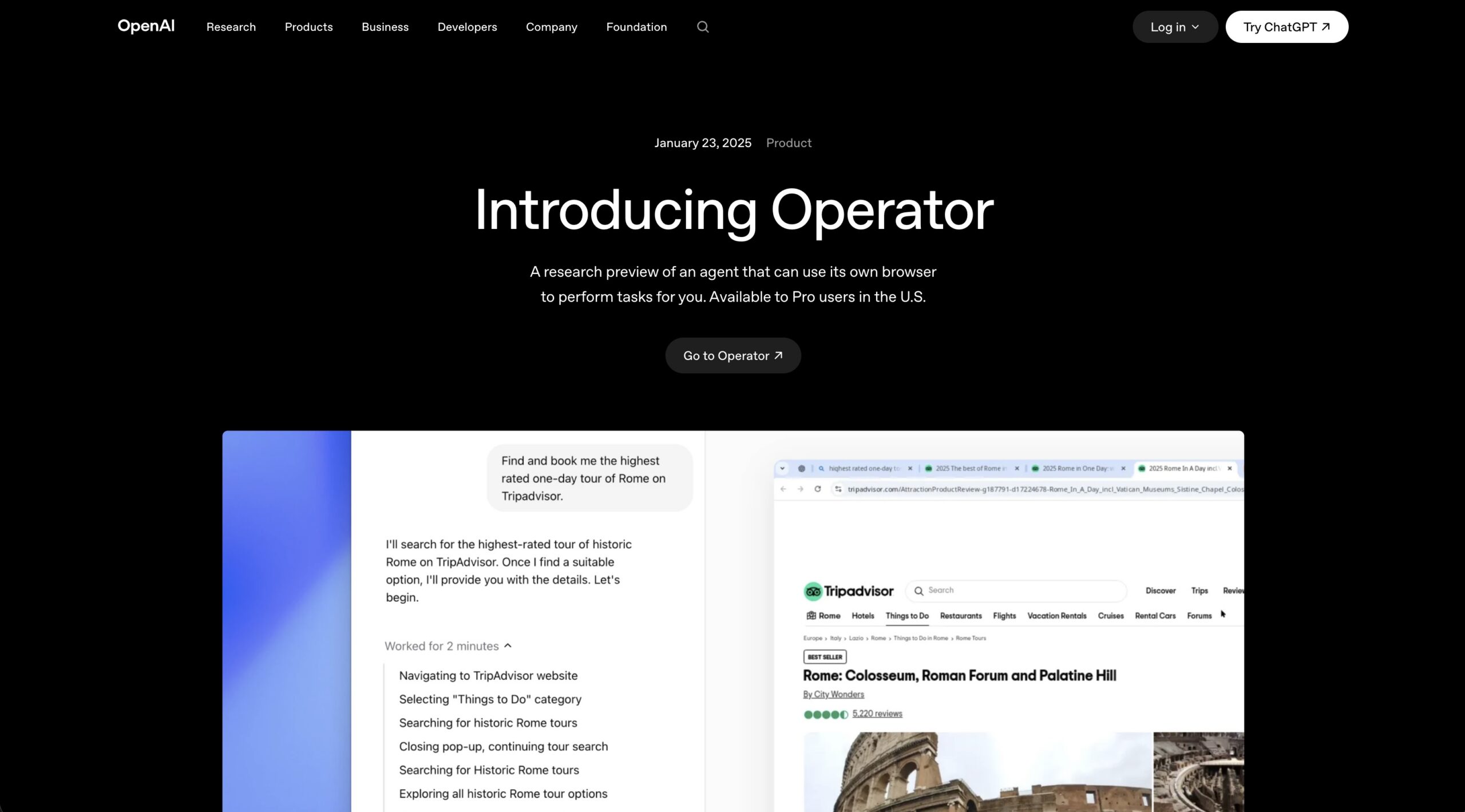
OpenAI’s ChatGPT Operator is a powerhouse for general task execution. In my testing, I watched it take over a browser window and tackle complex web forms, scrape directories, and migrate data between apps lacking APIs, exactly like a human assistant. The experience feels incredibly futuristic at first.
After continued use on varied tasks, it occasionally needs supervision when websites update their layouts or for more open-ended jobs. It shines on well-defined, discrete tasks but can get stuck on highly dynamic sites. Despite these limitations, its raw reasoning power and flexibility make it my top overall pick for open-ended automation.
Pros
-
Incredible versatility; can interact with almost any web-based platform
-
Superb natural language reasoning and goal planning
-
Eliminates the need for custom API webhooks for simple tasks
Cons
-
Can get stuck or fail if a target website significantly changes its visual UI layout
-
Requires a paid premium account tier to access full agent capabilities
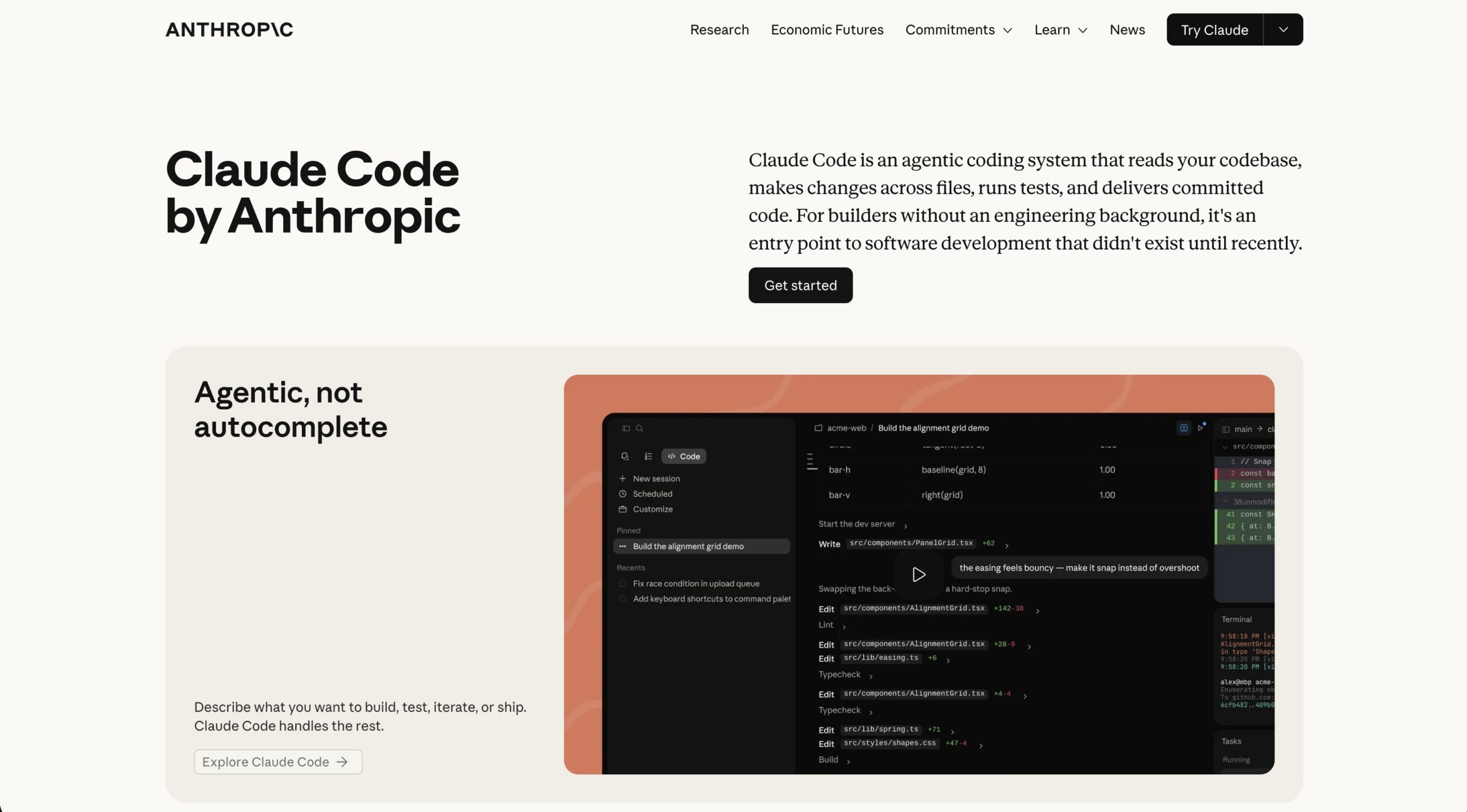
For technical teams, Anthropic’s Claude Code stands out as one of the most capable developer tools. Running straight from the command line, it reads entire codebases, writes multi-file pull requests, runs tests, and fixes bugs autonomously. When I fed it a buggy repository during testing, it systematically traced issues, refactored files, and validated changes without constant input.
While my expertise on real engineering workflows is limited, it’s apparent that the depth of its code reasoning is unmatched. This AI Agent Platform does require comfort with the terminal, though.
Pros
-
Unmatched code reasoning and multi-file architecture comprehension
-
Excellent Model Context Protocol (MCP) support to link to external developer tools
-
Drastically reduces manual debugging queues for engineering teams
Cons
-
Completely terminal-based; the lack of a graphical UI creates a steep learning curve for non-technical users
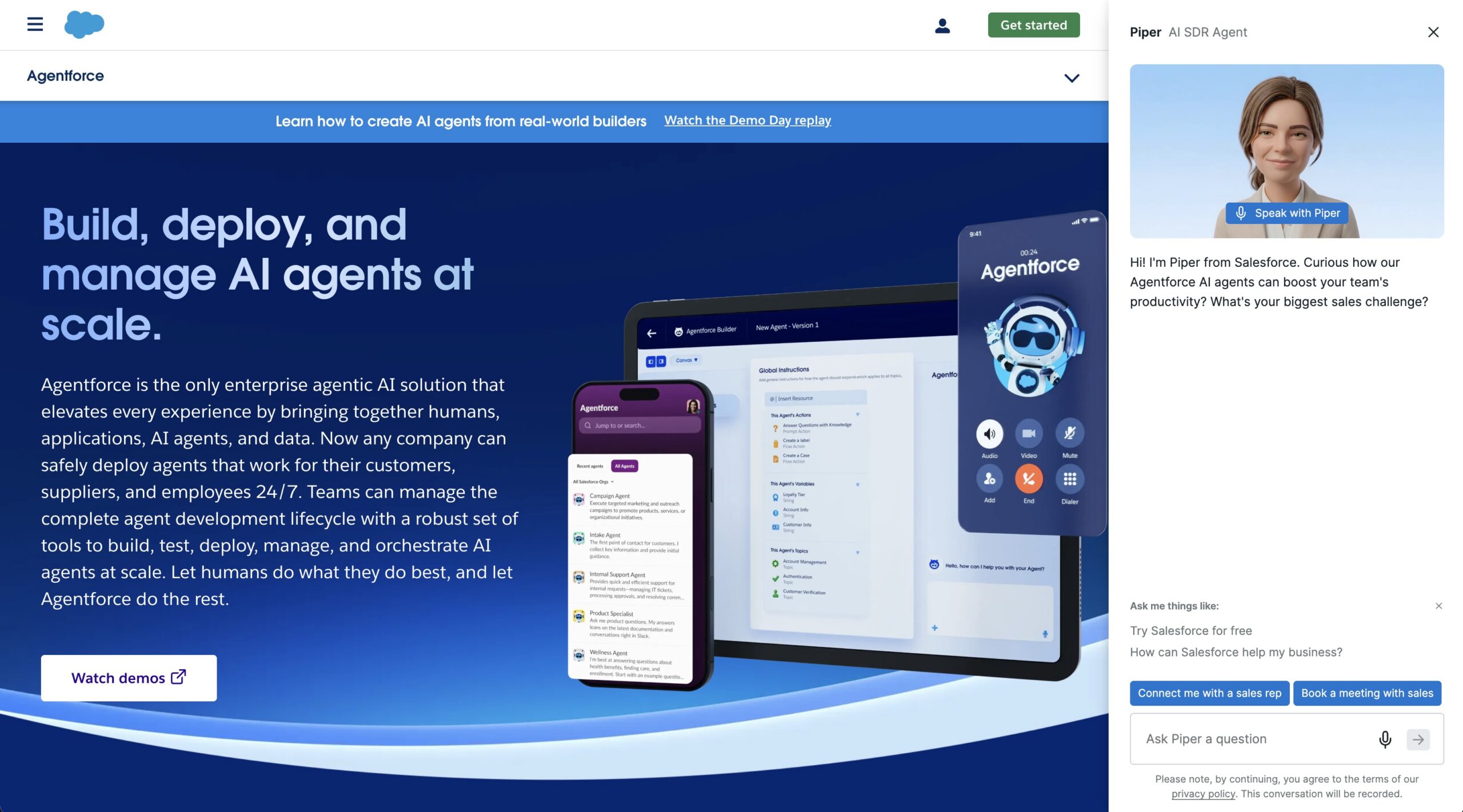
Salesforce Agentforce acts as a massive corporate workforce engine deeply embedded in the Customer 360 ecosystem. In my evaluation, it deploys out-of-the-box agents that read records, manage pipelines, and trigger workflows natively.
Furthermore, the native data access and security guardrails via the Einstein Trust Layer deliver real value for large teams already invested in Salesforce. However, it demands significant setup time and investment. It is not plug-and-play for smaller setups.
Pros
-
Deep, native access to all historical Salesforce CRM records and data clouds
-
Excellent built-in security guardrails via the Einstein Trust Layer
-
Highly scalable multi-agent coordination for massive corporations
Cons
-
Extremely high implementation and licensing costs
-
Total platform lock-in; of little use to companies outside the Salesforce ecosystem
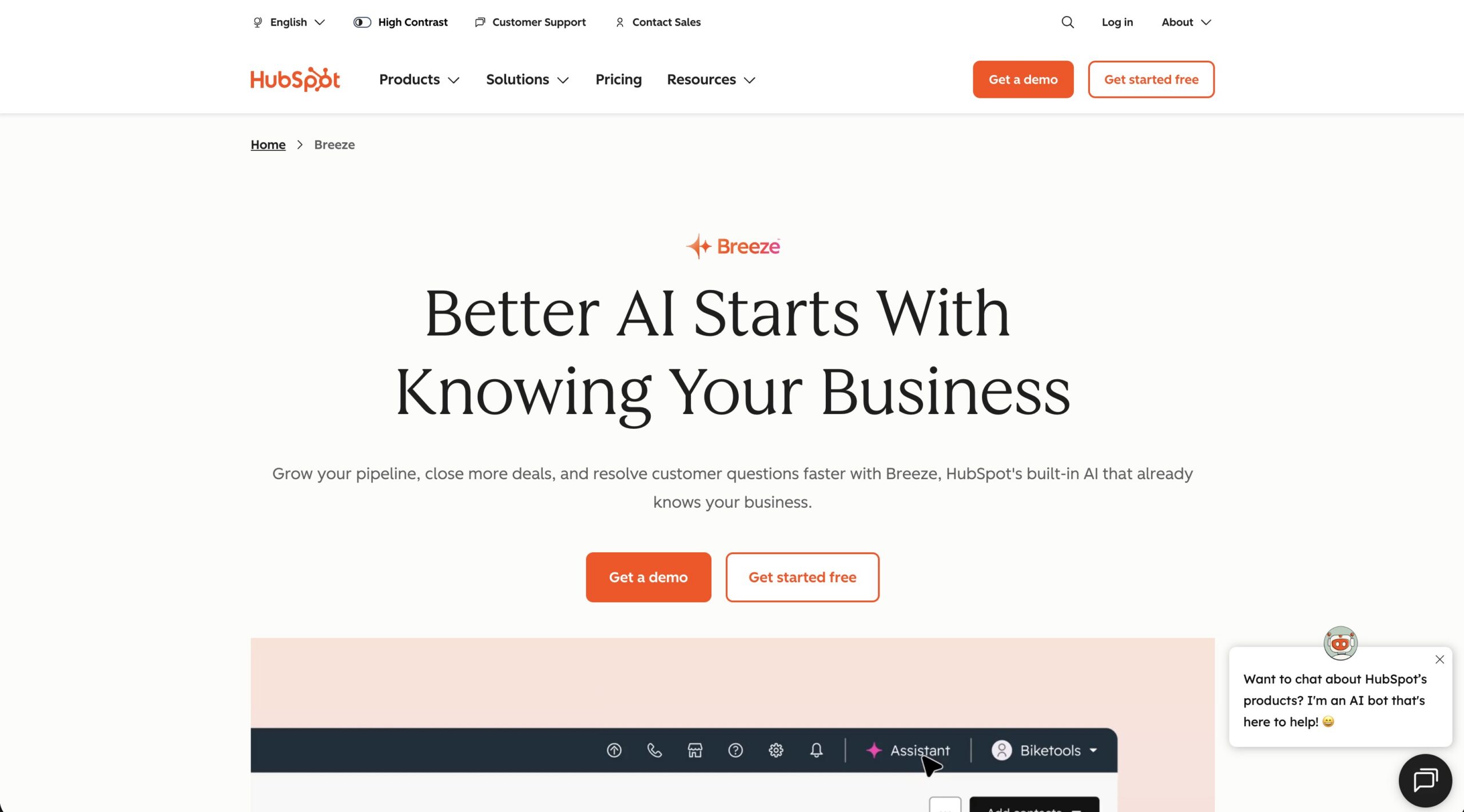
HubSpot Breeze AI serves as a highly efficient marketing assistant inside your CRM. Specifically, using the free version, I was able to test the Breeze Assistant extensively. Ultimately, it performed well at generating targeted email copy, helping with basic contact segmentation, and providing simple insights from historical lead interactions.
Additionally, after running a few sample campaigns on the free plan, the seamless integration with HubSpot hubs noticeably saved time on copywriting and everyday marketing tasks. This AI agent platform feels strongest when you’re already working inside the HubSpot ecosystem, though the more advanced autonomous agents require a paid upgrade.
Pros
-
Seamlessly integrated with HubSpot marketing hubs and lead lists
-
Saves hours of manual work on email copywriting and segmentation
-
Great out-of-the-box analytical dashboards
Cons
-
Lacks open-ended web execution capabilities; restricted to core marketing tasks
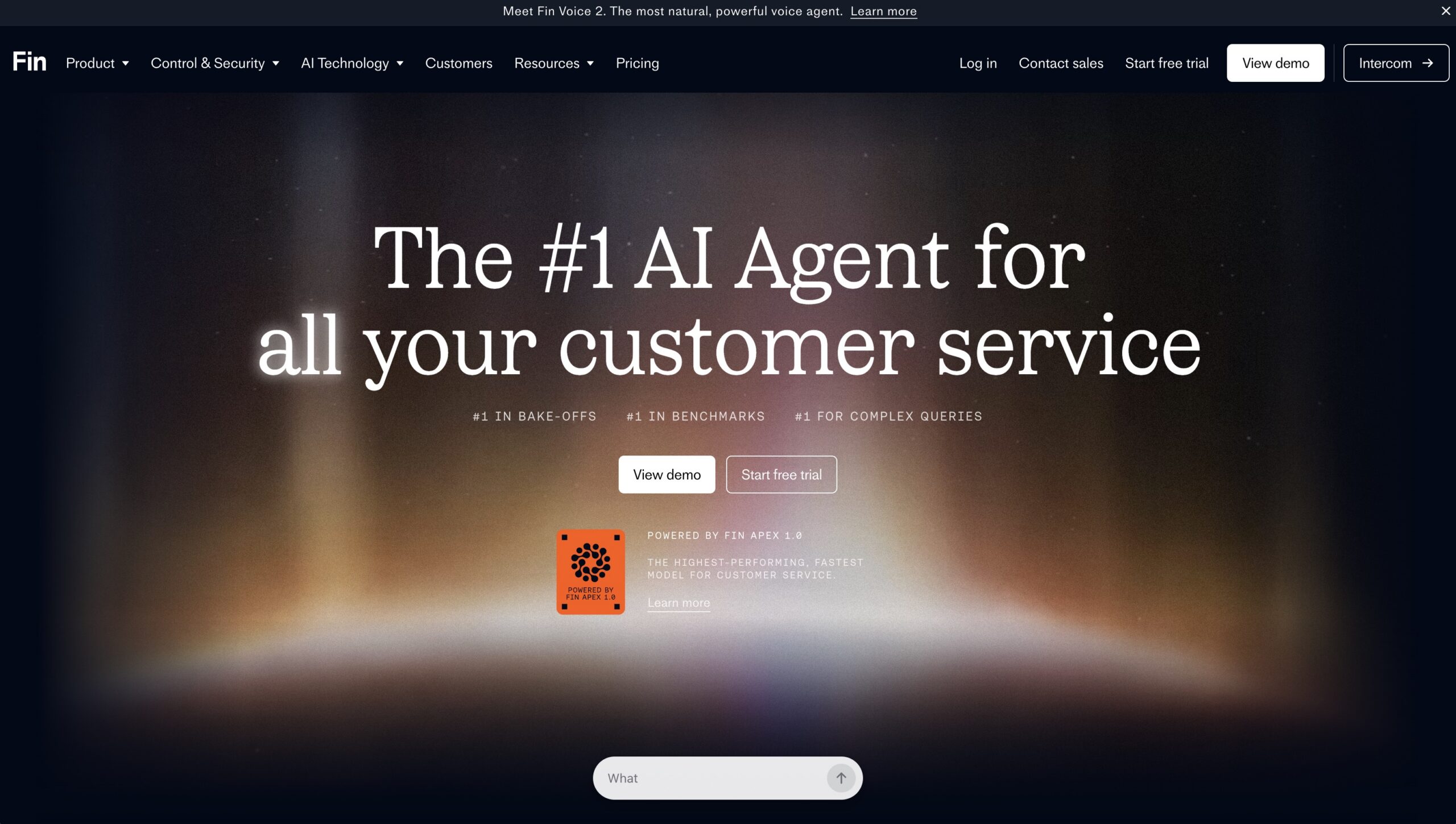
Intercom Fin is an AI-first specialist for crushing customer service queues. By crawling your help center docs, it resolves routine inquiries across live chat. At this point in testing on real tickets, it handled repetitive questions well and handed off complex ones smoothly to humans without losing context.
Certainly, after using it across a range of interactions, it reliably deflects a solid portion of tickets and reduces hallucinations effectively. One thing to watch is that pricing based on successful resolutions can add up faster than expected in higher-volume scenarios.
Pros
-
Instantly deflects up to 50% of routine customer service tickets
-
Securely relies on your verified knowledge base to eliminate hallucinations
-
Excellent live chat interface and human-agent handoff workflows
Cons
-
Pricing scales based on successful resolutions, making monthly bills highly unpredictable
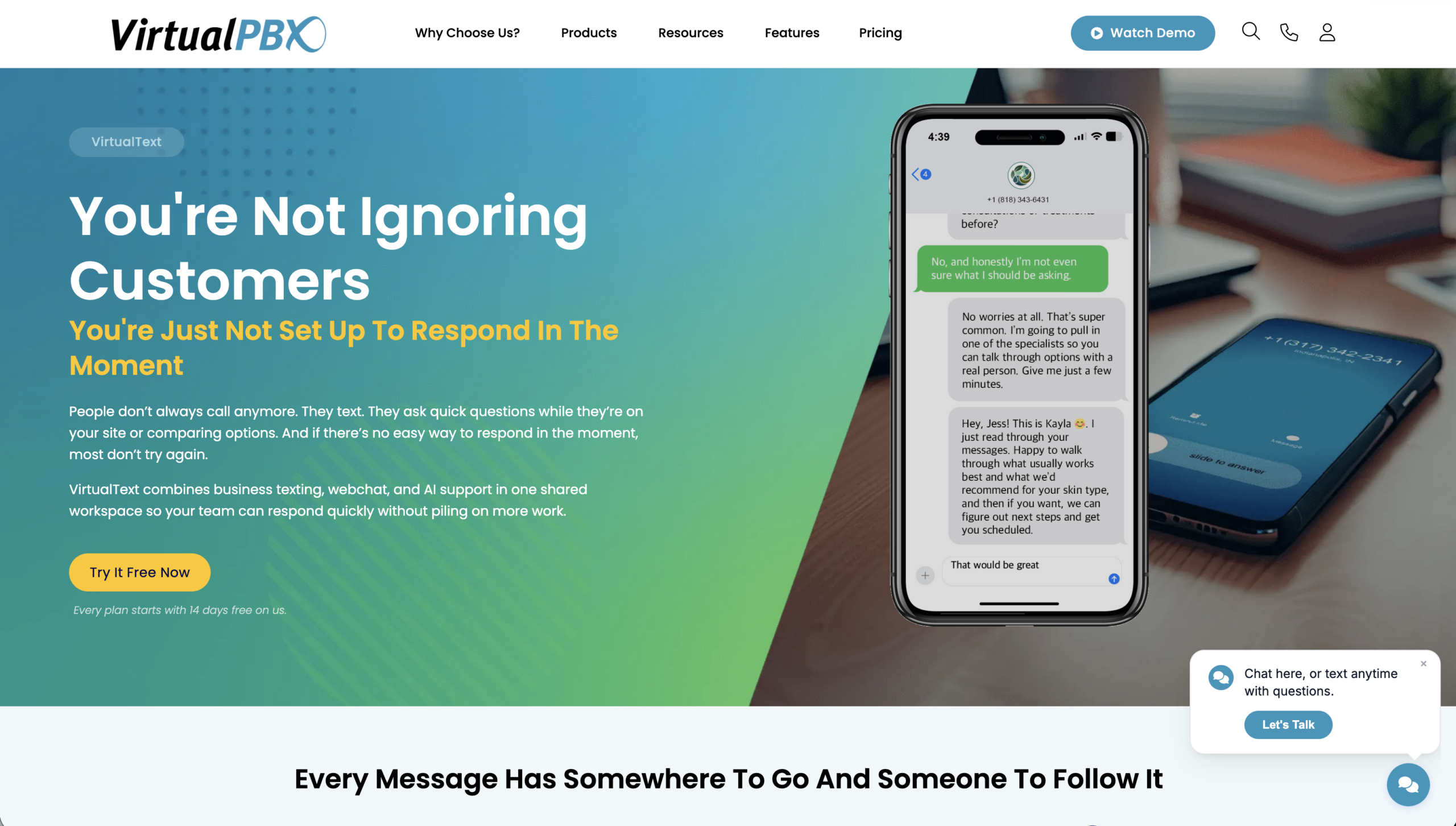
VirtualText combines webchat and SMS into one automated engine. However, this AI agent platform performs best with structured company playbooks. In my testing, inputting specific parameters, pricing rules, and workflows kept responses accurate and on-brand. Ultimately, it qualifies visitors and transitions smoothly to SMS.
Above all, the webchat-to-SMS handoff prevented several dropped conversations, and the unified inbox made team handoffs effortless. Additionally, the advanced per-inbox access control and containment make it very suitable for BPOs, franchises, and multi-team organizations.
Pros
-
Playbook-driven architecture keeps AI responses completely accurate and on-brand
-
Webchat-to-SMS transition prevents dropped conversations when users leave your site
-
Unified shared inbox makes human-in-the-loop handoffs effortless
Cons
-
Requires initial manual configuration of playbooks to maximize accuracy
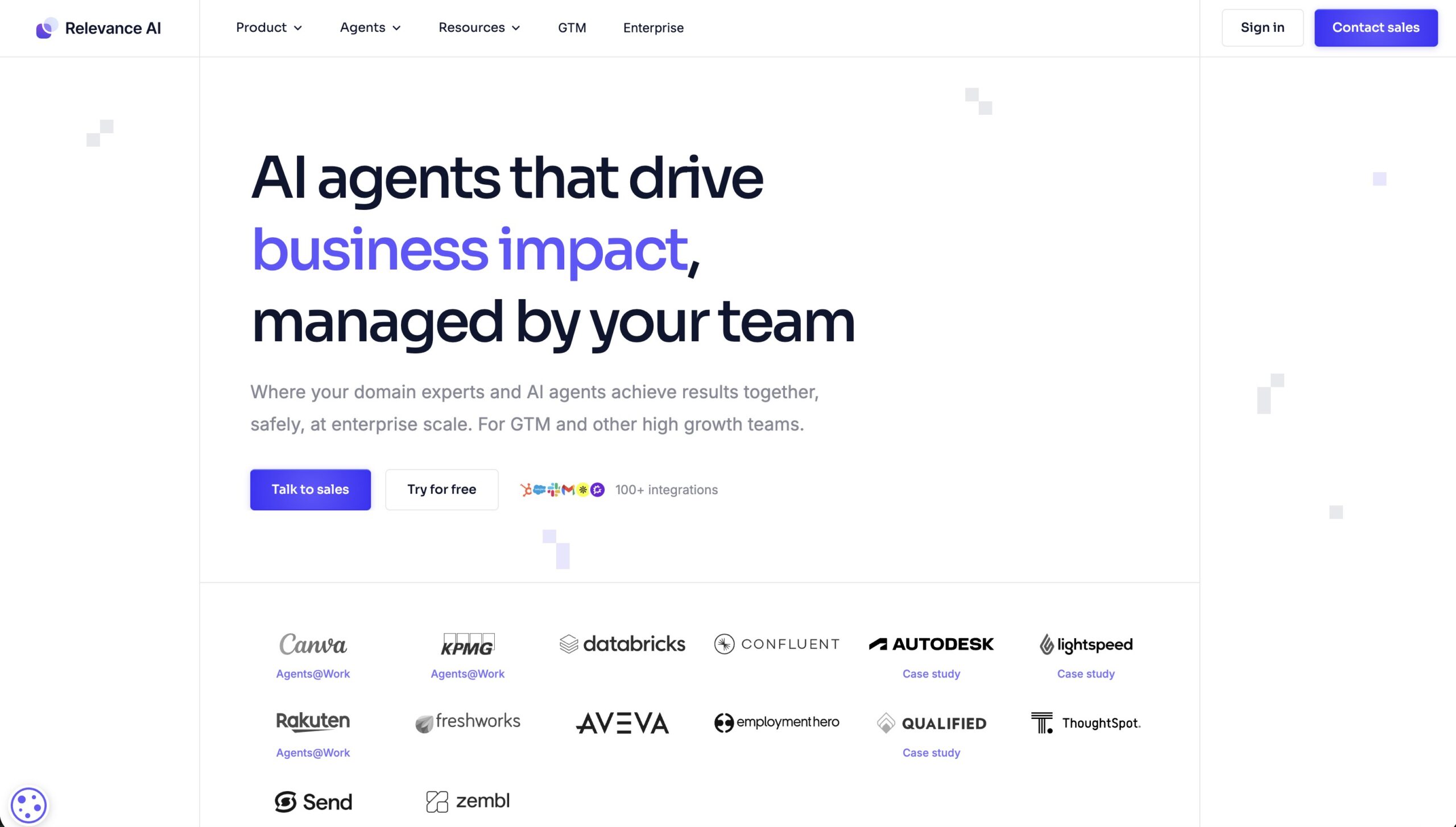
Relevance AI shines for mid-market teams building no-code multi-agent systems. Its visual interface lets you create custom agents, equip them with tools, and chain them into collaborative teams. In under ten minutes during testing, I built a simple research-to-drafting workflow without code.
After experimenting with more complex setups, the drag-and-drop canvas is intuitive, but preventing infinite loops requires a good grasp of logic flows.
Pros
-
Intuitive, drag-and-drop visual workflow builder
-
Allows multiple agents to communicate and check each other's work
-
Supports a wide library of third-party API tool integrations
Cons
-
Requires a solid understanding of logic flows to prevent agents from looping indefinitely
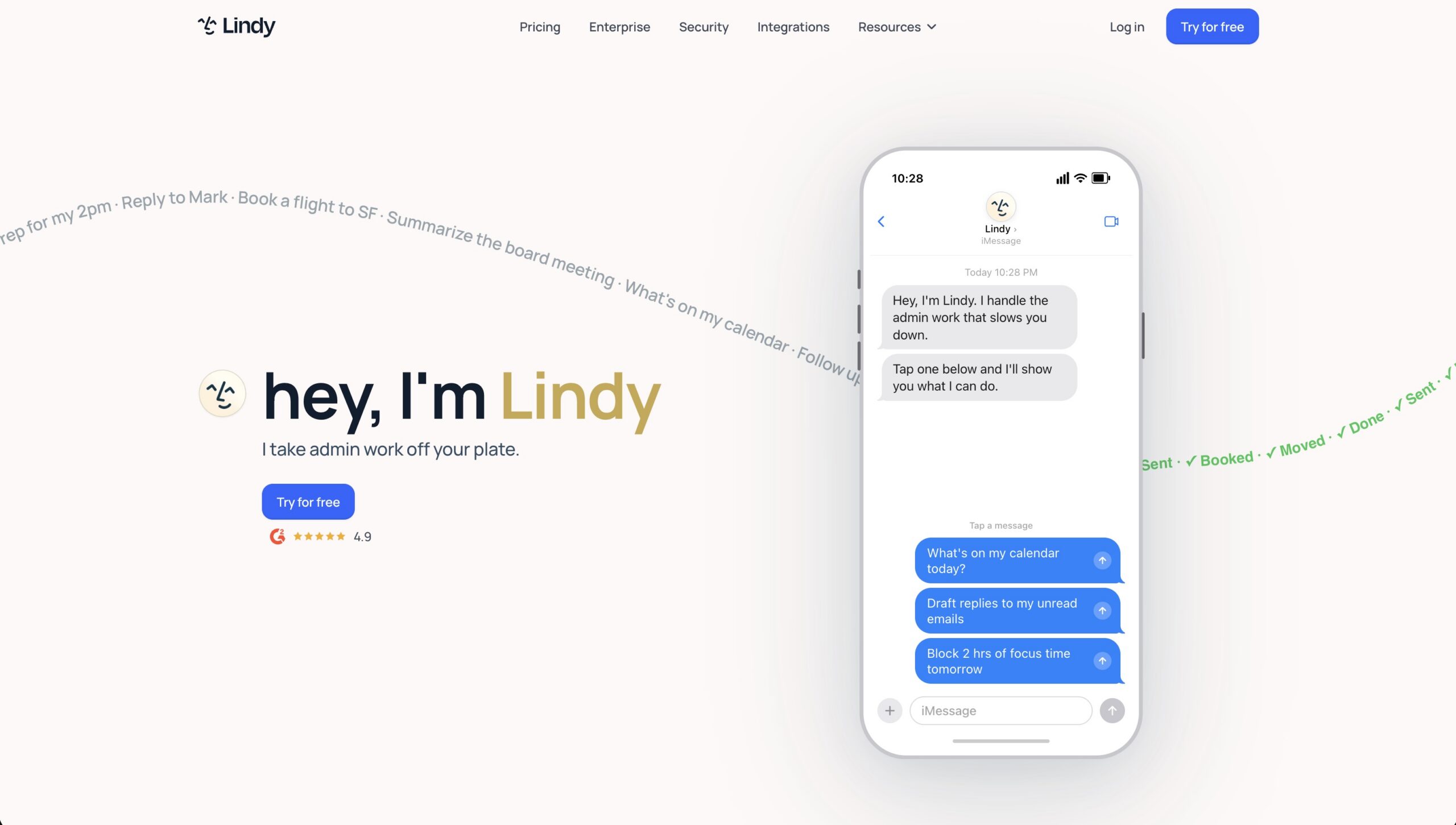
Lindy.ai is an AI agent platform that offers accessible help for small business owners needing quick administrative support. Specifically, its conversational interface lets you create specialized “Lindies” for email triaging, contracts, and social posting. Ultimately, in testing, it felt very user-friendly for simple, repetitive tasks.
After further tests, it shines for non-technical users but can struggle with highly layered enterprise logic or inconsistent performance on more complex automations.
Pros
-
Zero technical background required; built entirely on natural language instructions
-
Quick deployment times for simple, repetitive office tasks
-
Affordable starting plans for small business teams
Cons
-
Struggles with highly complex, multi-layered enterprise business logic
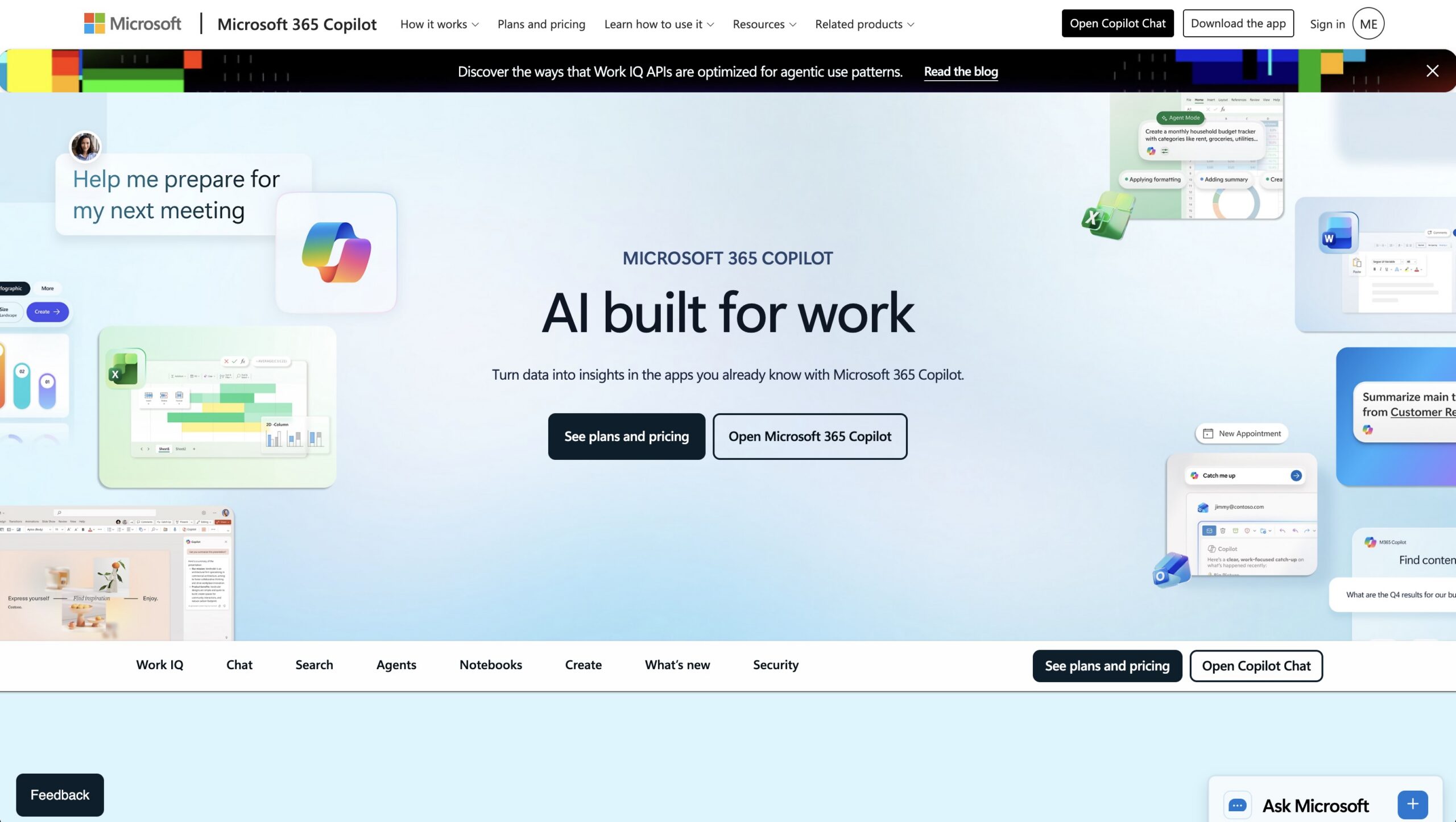
For enterprises needing strong compliance and M365 integration, Copilot Studio delivers a robust framework. Specifically, it lets IT teams build and govern internal agents securely across databases.
In my testing, the Azure security, SharePoint/Teams integration, and role-based controls feel rock-solid for internal workflows. The interface is powerful but can feel overwhelming for smaller teams or non-technical users.
Pros
-
Enterprise-grade data security and compliance guardrails
-
Flawless integration with Azure, Sharepoint, and Microsoft Teams
-
Powerful customization tools for internal employee-facing workflows
Cons
-
Overwhelmingly complex user interface for small teams or casual users
My Top AI Agent Platforms
My top overall pick for open-ended web browser task automation is ChatGPT Operator because of its raw reasoning power and visual navigation capabilities. It currently offers the most flexibility for unpredictable tasks.
Looking at cost versus real-world usefulness, the best solutions tend to split by communication channel. For voice, VirtualPBX stands out with its simple single-tier pricing and reliable dedicated AI voice agent. It handles routine calls and calendar booking effectively, freeing up significant time for busy teams. Meanwhile, for text and chat channels, pairing it with the playbook-driven VirtualText creates a dependable front office that stays on-brand and reduces dropped conversations.
Frequently Asked Questions (FAQ)
A traditional chatbot is responsive and limited to a basic conversation path, meaning it can only answer the specific questions you type into it. An AI agent is proactive and action-oriented. Instead of just answering a question, it can access external tools, make logical adjustments on the fly, and independently complete multi-step tasks like modifying a customer CRM record or booking an appointment on your calendar.
Not anymore. In fact, while terminal-based options like Claude Code require coding skills, the majority of modern business platforms use natural language setup or visual, drag-and-drop builders. Specifically, setting up an AI agent via VirtualPBX is entirely straightforward and does not require touching custom API configurations or backend webhooks.
This is a common concern called AI hallucination. Fortunately, the best way to protect your customer relationships is to choose a tool that relies on playbook-driven architecture rather than an open-ended engine. Specifically, platforms like VirtualText allow you to input your exact business parameters and logic flows, creating strict guardrails that keep the AI entirely on-script.
Stop guessing how an AI voice agent or text agent will handle your workflows and see it live. In fact, our team will show you how to set up custom playbooks, eliminate token anxiety, and free up hours in your workday. So, give your team some well-deserved breathing room and call, text, or chat with us anytime at (888) 825-0800 to figure it out together.