
For school administration teams, the month of August is one of the busiest. Staff are returning to the building, new hires are onboarding, and at some point, students will return to classrooms. Amidst the hustle are ongoing budget talks, building maintenance tasks, and often conversations surrounding communication procedures and channels. Let’s identify budget-friendly options and simple strategies, particularly for independent schools, to address these topics.

Make It easy to Connect
If a parent needs to contact the school, that information must be easy to find and easier to access. It may even be worth choosing a specific number for visibility. Schools have a wealth of budget-friendly digital communication tools at their disposal. Don’t leave parents stuck emailing or calling an often-busy office line any more than you would leave your staff sifting through, filtering, forwarding, and returning emails and voicemails. Easy, real-time communication is essential for internal time management.
Business Phone Service
Digital phone service can be a time and budget saver for schools—less expensive than traditional phone lines with more functionality and reliability.
- Create dedicated lines for specific needs. Attendance, enrollment, school tours, transportation, or other high-volume requests can each have their own line. This gives schools more control over how different types of calls are handled and creates room to add smarter call handling down the line.
- Use an automated directory to help filter calls and reduce the load on administrative staff. This is especially beneficial during the busy hours of arrival and dismissal.
- Give everyone one school phone number to use. Staff can call from the school’s main number whether they are using an office phone, desktop computer, or mobile app. That means parents know who is calling and staff don’t have to share their personal cell phone numbers.
- Use existing phones where possible. A modern phone system doesn’t necessarily mean replacing all of the phones already in the building. Depending on the school’s setup, existing equipment can often continue to be used.
- Keep the system easy to manage. Business hours, greetings, voicemail, call routing, and other settings can be changed as your school year changes, without requiring a complicated IT project.
For schools working with a budget, simplicity matters here, too. With Smarter Voice, there’s one straightforward plan and one straightforward price, with every feature included. You don’t have to worry about choosing the right tier today only to find out later that something your team needs is locked behind a more expensive plan.And getting started doesn’t have to become another project for your administration team. New users, numbers, and phone settings can be set up quickly—often within hours—and our team is here to help along the way. The goal is to give schools a phone system that is powerful enough to grow with them without creating more work to manage it.
Using AI To Unweight Your Team
Even with a great phone system in place, busy times can still mean a ton of calls coming in at once for things like attendance, illnesses, late arrivals, and early pickups. Someone has to sort through them to figure out who needs to handle each one, forward calls, listen to voicemails, and return calls that couldn’t be answered.
What if some of those calls could simply take care of themselves?
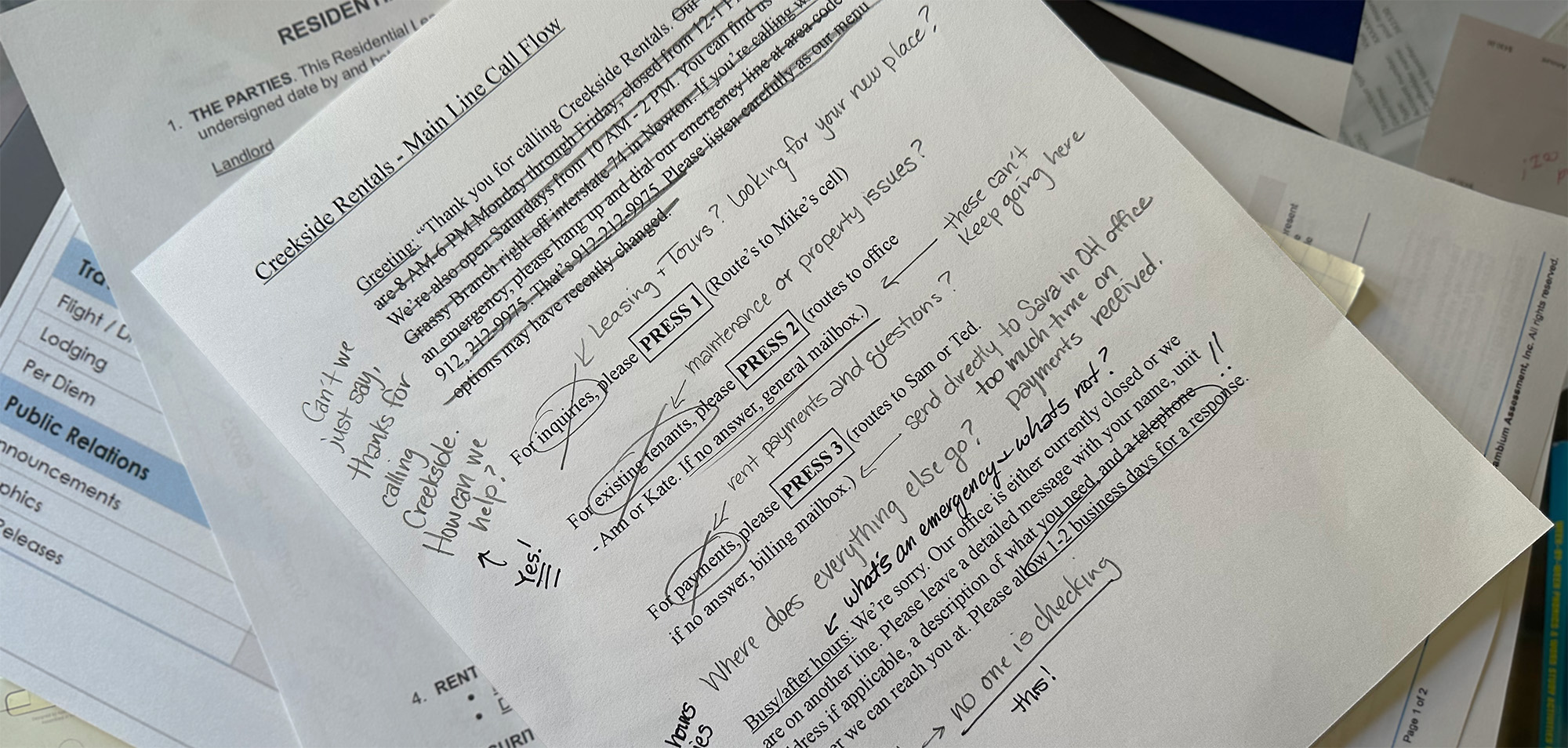
Some easy, straightforward AI can help answer calls, understand what the caller needs, collect the information your team needs, and route the conversation to the right place. And because different lines can be set up to handle different jobs, schools can decide which calls should be handled automatically and which should go directly to a person.
Take an attendance line. Instead of asking staff to field every call, an AI receptionist could answer the call, record the student’s name and attendance details, and deliver that information wherever it needs to go—whether that’s your SIS/LMS, directly to a teacher inbox, or whatever workflow makes sense for your staff.
An enrollment line could work differently, giving prospective families answers to common questions and directing them to an admissions team member for deeper conversation.
A general school line could continue to route callers to a person.
That kind of flexibility is what we built AI Voice to provide. AI Employees are custom to your business, handling calls and routing. They can even step in when someone needs to leave a message, collecting the important information and delivering a complete, clear message—not a transcript—that is easier and faster for your team to understand and act on.
The goal isn’t to replace your staff. It’s to give them a little more room to focus on everything else that needs their attention.
AI Employees are designed around specific jobs, so each part of the system can stay focused on what it is supposed to do rather than trying to be everything at once.
Don't Let The Conversation End There
For larger independent schools with dedicated admissions teams, VirtualText can also be a useful admissions tool. Webchat can help prospective families get quick answers, with the option to continue the conversation by text when needed. And because those conversations remain available as a historical contact base, admissions teams can follow up consistently, send reminders, and continue engaging families over time—including opportunities to connect with siblings. For larger schools focused on enrollment, VirtualText can be a useful way to turn an initial question into an ongoing relationship.
Start with your Staff
When thinking of communication strategy, begin with your staff and work outward. This single strategy will improve the consistency and accuracy of the information floating around your school. Your staff should get information first rather than hearing information at the same time as students and parents. This ensures there is time for them to ask clarifying questions and express concerns well before you share with your parent and student community.
Use Channels that work
One of the biggest struggles in school communication can be finding the channels that work. You cannot expect to be present in all of them, so determining top channels and committing to consistency in those channels is key. If you’re unsure, send out a simple Google Form or other simple survey to collect responses from your parent community and your staff. You will likely find that your staff have slightly different preferences and you can adjust based on that information to be sure the information is in their hands at the right time.
Popular, free underutilized channels:
Google Calendars
Google calendars are a mainstream calendar system that integrates with Android and Apple platforms. Schools can create Google calendars to share with the school body and make real-time updates. Don’t forget to make use of every field, from the location to the time to a description of the event and web address if applicable.
Social Media Groups
Consider private or secret parent groups or public alumni or supporter groups to rally your greater community. Social media can be an excellent tool to create your online community while giving the school administrative control in the background. Create events, coordinate social gatherings, and connect your school community members.
Private Social Media Profiles
Classrooms may keep a private Instagram page to capture pictures easily viewed by parents. Best practice is still not to include the name or location information of your students.
Keep a predictable Schedule and Rhythm
Once you’ve determined your channels and the content those channels will hold, set a schedule for each where appropriate. For example, if a newsletter is your channel for all-inclusive communication, send that out weekly at approximately the same time. Let your community know when to expect communication. Staying predictable ensures your information is easily found and allows priority/important non-routine information to stand out.
Time of Day
Learn the best times of day for the most captive audience and aim to communicate consistently during those times. Again, this may be different for parents than it is for your staff, but establishing a predictable rhythm can help make sure important information isn’t lost.
Keep it Simple and Short
Too much, too often is overwhelming and can add confusion. Commit to organization, with 80-90% of your communication scheduled, consistent, and only as frequent as needed. If you send a weekly newsletter, keep all email content to that newsletter. Majority of your content should be short and to the point.
Where and Which Channels will tell the story
Engagement is informative, but it’s also emotional. In some channels you’ll want to include your story. This is compelling content that appeals to your reader. (e.g., an interaction with a student, an anicdote from a teacher about a caring parent, even a comment about the positive hum of the student body returning for the school year). This could be a short introduction included in every newsletter or a pullout story in every weekly email. You can also include short engagement pieces in your social media, like Facebook and/or Instagram.
Evermore, schools are required to stretch budgets further all while often being asked to increase services, support, and communication. At VirtualPBX, our primary objective is to provide enterprise-level services to small and medium-sized businesses and organizations without making communication more complicated than it needs to be. From a simple, all-inclusive phone system to smarter tools that can help answer calls and take messages when your team is busy, we’re focused on helping schools communicate better and keep their teams connected. And with real people here to help when you need them, you don’t have to figure it all out on your own.