

Available on Growth plans.
VirtualPBX's Hot Desking feature lets you log into your phone extension and use it from any workstation in your network
Unlike the popular follow me calling feature that is an intelligent and flexible way to automatically forward your calls to any of your chosen devices, Hot Desking is the way to stay connected when you have an unexpected change in your work station or when work stations are on a first-come, first-serve basis. Instead of incoming calls searching for your current device or location, your team can share a fleet of devices and log into them when they arrive to work for the day.
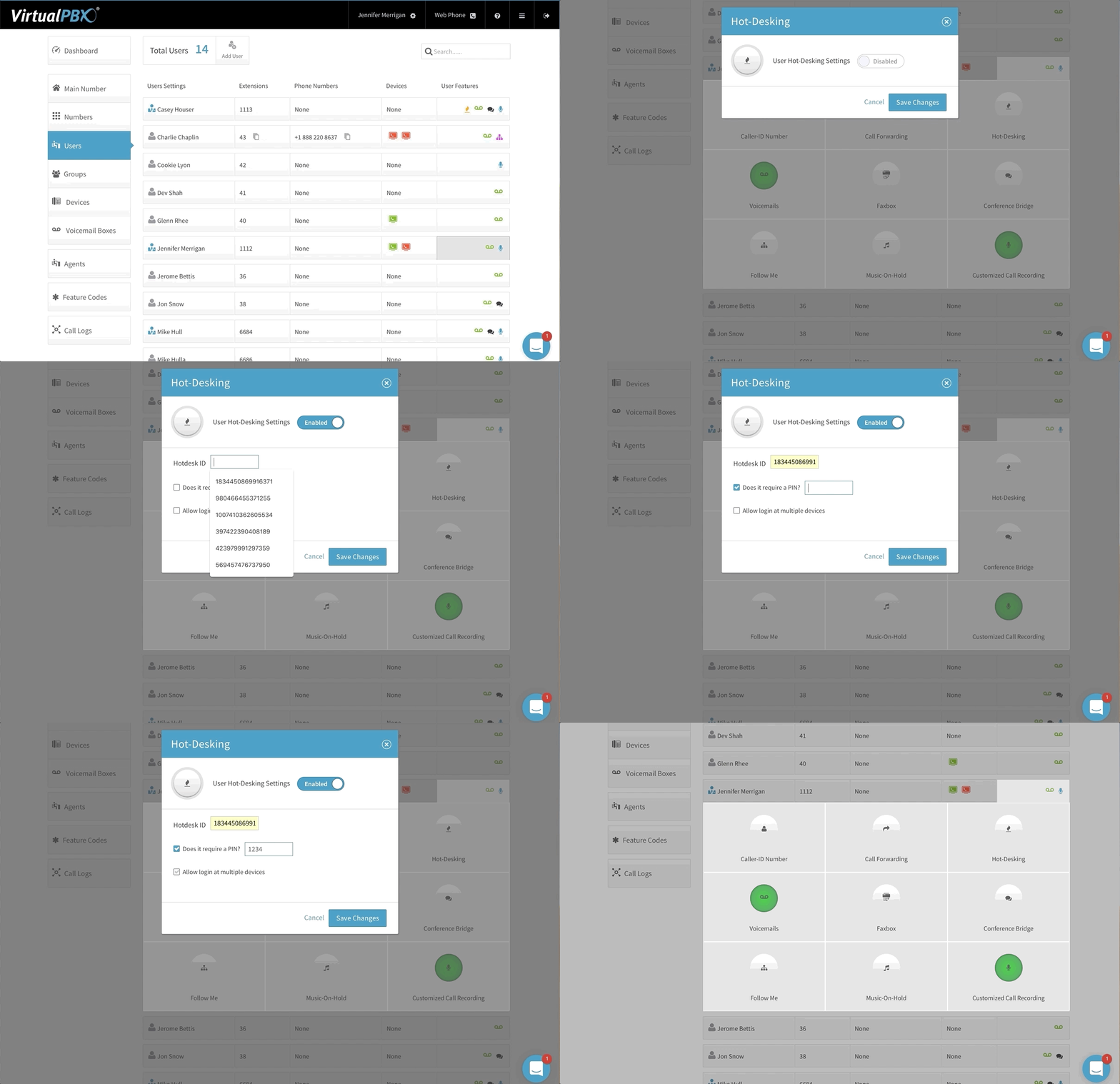
Make Any Phone Your Office Phone
Hot desking lets you bounce from desk to desk and log into your VirtualPBX account to make wherever you land act as your regular desk phone. Take advantage of this feature wherever your business has provided phones for use. Simply log in and calls will start routing to this location. Ready to pack it up for the day? Log back out and calls will stop routing to that phone. Hot desking is ideal for businesses with shared spaces or flexible work schedules. Plus, all phone plans from VirtualPBX include even more VoIP features when you sign up today!
More Features Worth Reviewing
Device Manager
Add, remove, and control devices without IT With VirtualPBX Device Manager, connecting your favorite tools
Follow Me
Choose your device order and never miss a call Follow me calling is one of
Feature Codes
Control your phone system with simple shortcuts. Feature codes are shortcuts that let you manage